Welcome to the team!
You'll need to follow 3 steps below to begin your onboarding.
Each button will open a separate tab with additional instructions. When you're done with that tab, return to this web page until you've completed all steps.
Step 2. Training
... at the palm of your hands!
For now, you will only need to sign up. Please click your store:
You'll be prompted to enroll & download the Opus training App.
Note: A valid mobile number is required to enroll via verification code.
Training curriculum will be assigned at a later time.

Step 3. Download Connecteam Scheduling App
Check your email for an invite from Connecteam (our scheduling platform)!
Follow the steps on that email to finalize your account. Your scheduling Manager will contact you to determine your first in-person shifts.


Later on, we'll show you how to use Connecteam to set your availability & submit future schedule requests.
We're glad to have you join Rising Tide!
This is an active role & we all work together to provide great service.

The Management team wears red Rising Tide shirts 👍

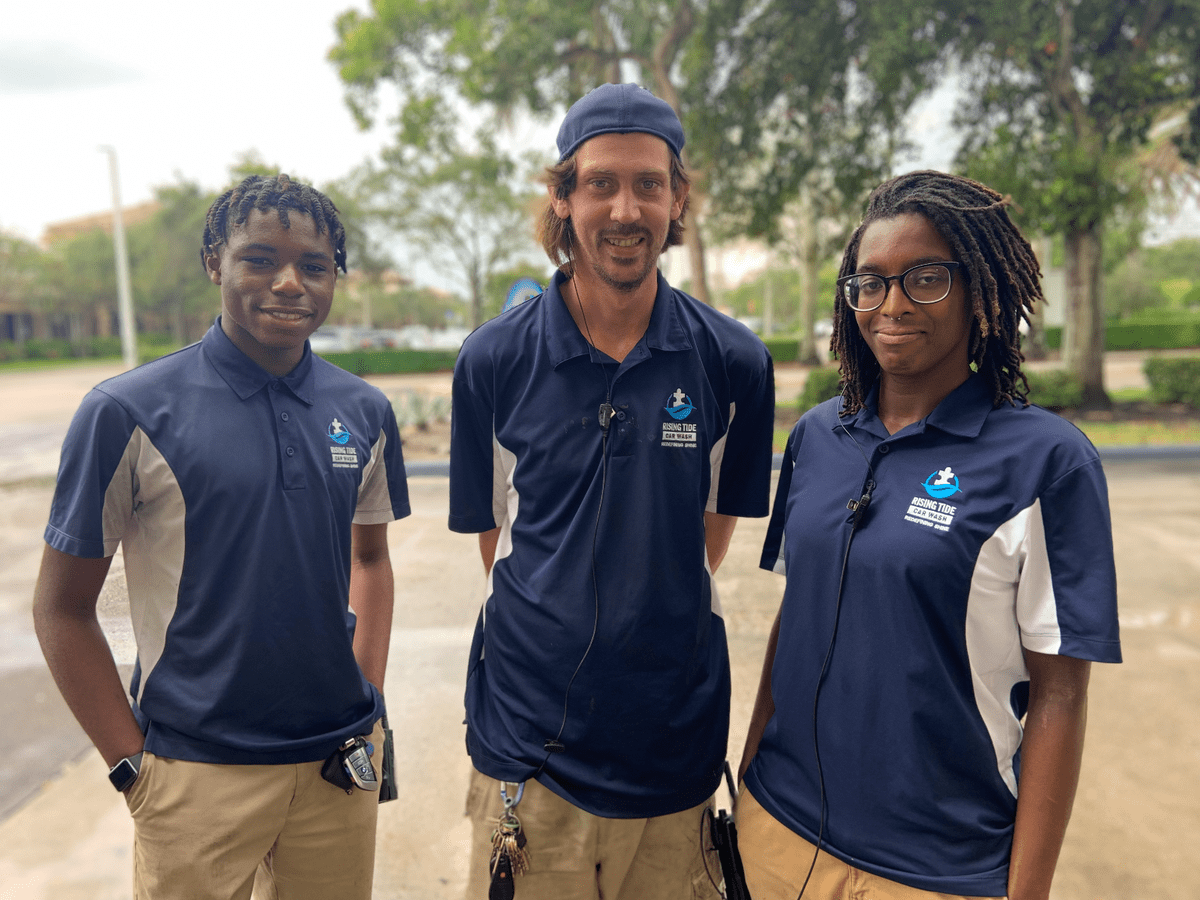
Supervisors wear NAVY Rising Tide shirts 👍
Our team is here to help you succeed.